



Top 10 Free Data Recovery Tools in 2025 – Recover Lost Files Easily
Looking for file recovery software that won’t cost a cent? Whether you’ve lost critical documents, accidentally deleted photos, or experienced a data loss scenario on your PC, this guide will help you find the best free data recovery tool for your needs. These programs can recover lost files across a range of storage devices, from USBs and memory cards to hard drives and SSDs.
Let’s dive into the most powerful and user friendly interface options available in 2025, covering everything from deleted files in Windows to partition recovery, file format compatibility, and more.
1. Recuva
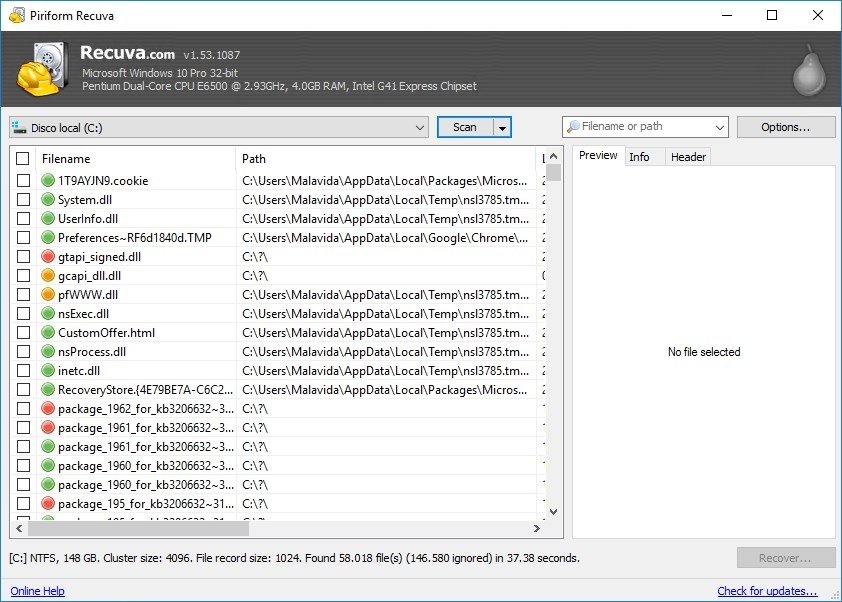
Recuva by CCleaner is one of the most reliable free data recovery tools for Windows users. It supports recovery of a wide range of file formats and works with external storage devices.
2. Glarysoft File Recovery Free
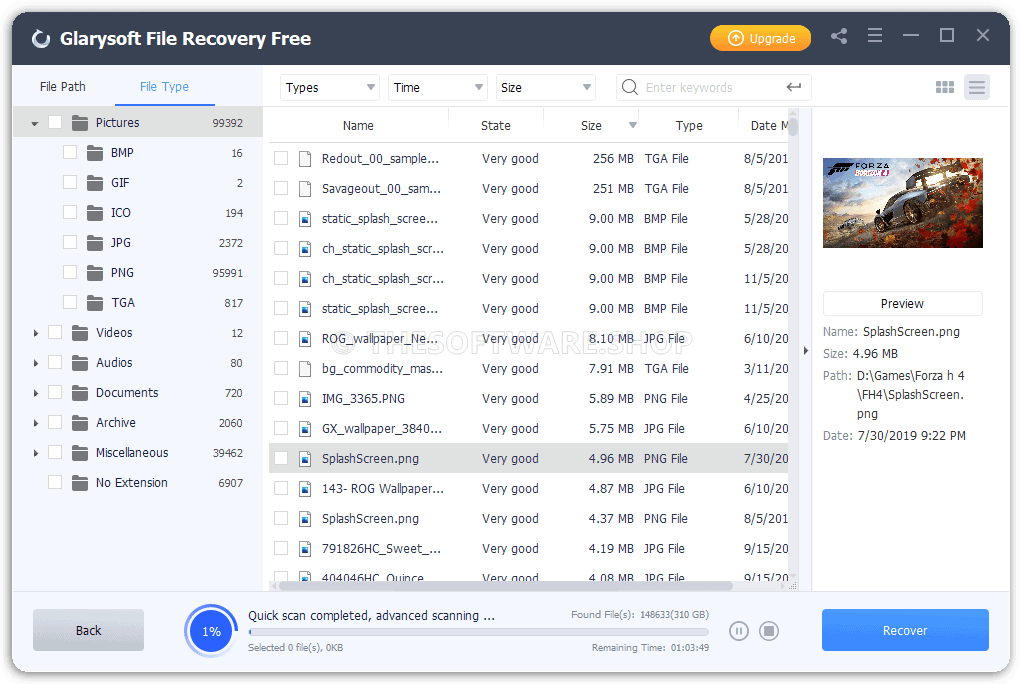
Glarysoft File Recovery offers a clean user friendly interface and solid performance. This file recovery tool allows you to select the files you want to recover even before the scan finishes.
3. Windows File Recovery
Windows File Recovery is an official windows file recovery tool from Microsoft. Though command-line based, it’s highly effective and supports deep recovery from various drive memory sources.
4. EaseUS Data Recovery Wizard
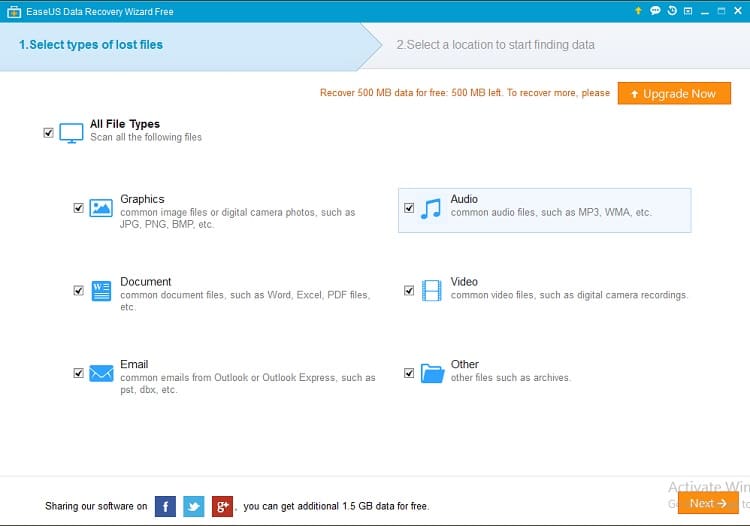
EaseUS offers powerful data recovery software with a wizard-style interface, making it one of the most accessible and user friendly tools for Windows and macOS.
5. Disk Drill
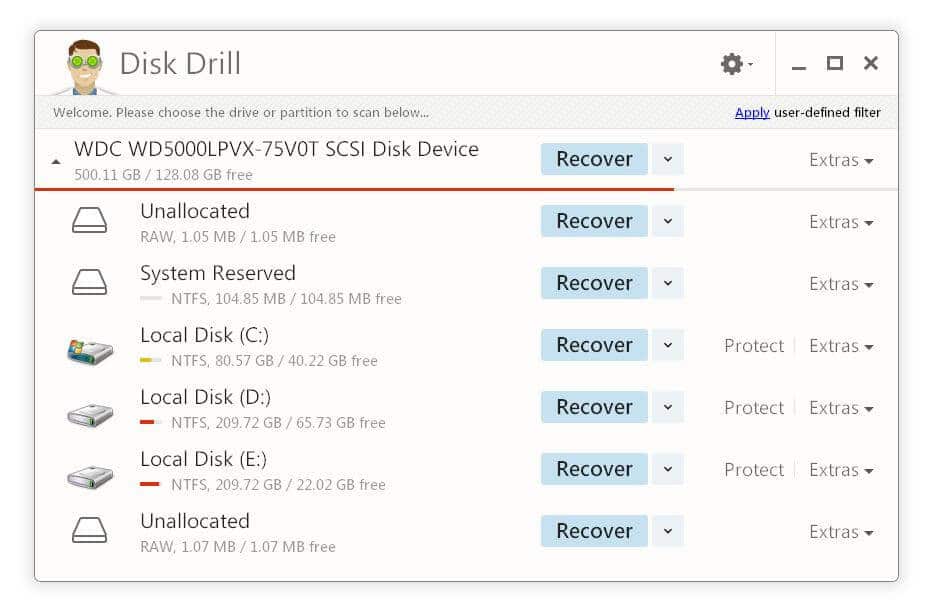
Disk Drill supports over 400 file types, disk images, and offers partition recovery. It’s perfect for beginners who need intuitive file recovery software.
6. FreeUndelete
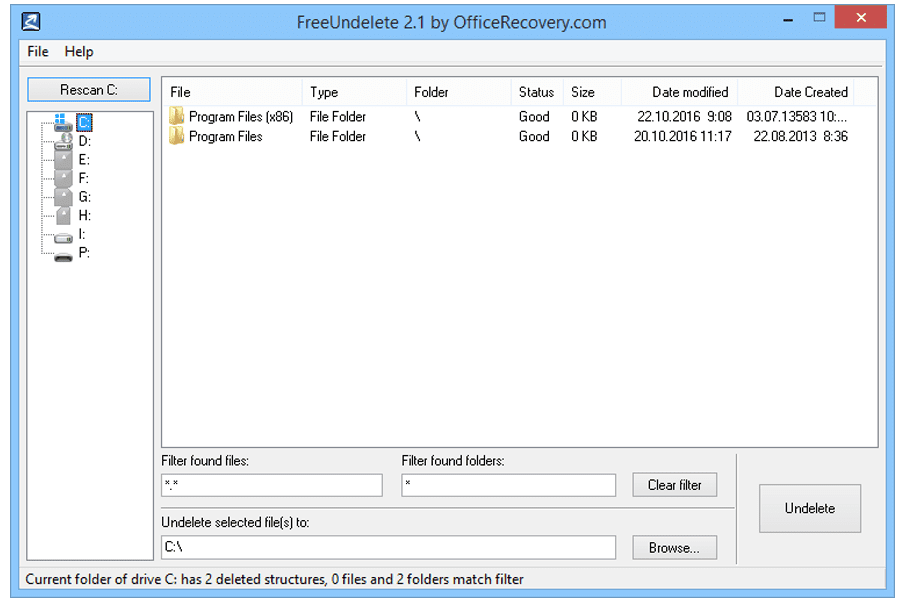
FreeUndelete is a basic but effective file recovery program for FAT and NTFS file formats. Simple, fast, and free for personal use.
7. Puran File Recovery
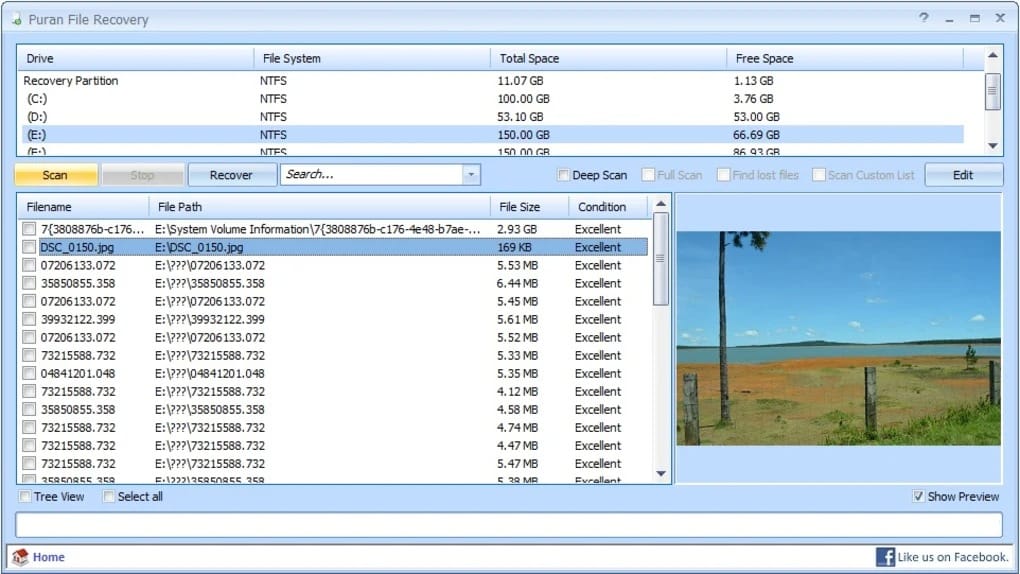
Puran provides disk recovery software that can locate lost partitions and supports full deep scans, although it’s best suited to older Windows systems.
8. SoftPerfect File Recovery
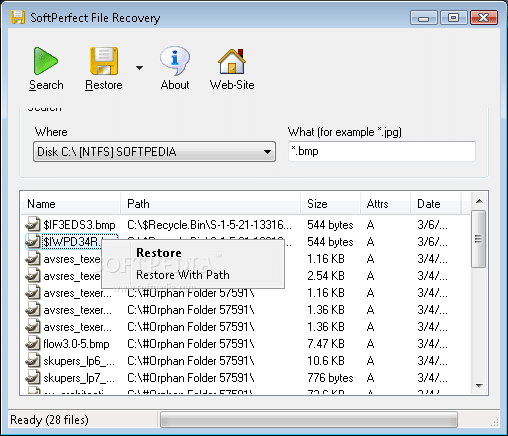
SoftPerfect is a lightweight portable data recovery tool that runs from USB and restores common file types quickly with minimal system impact.
9. Stellar Data Recovery Free
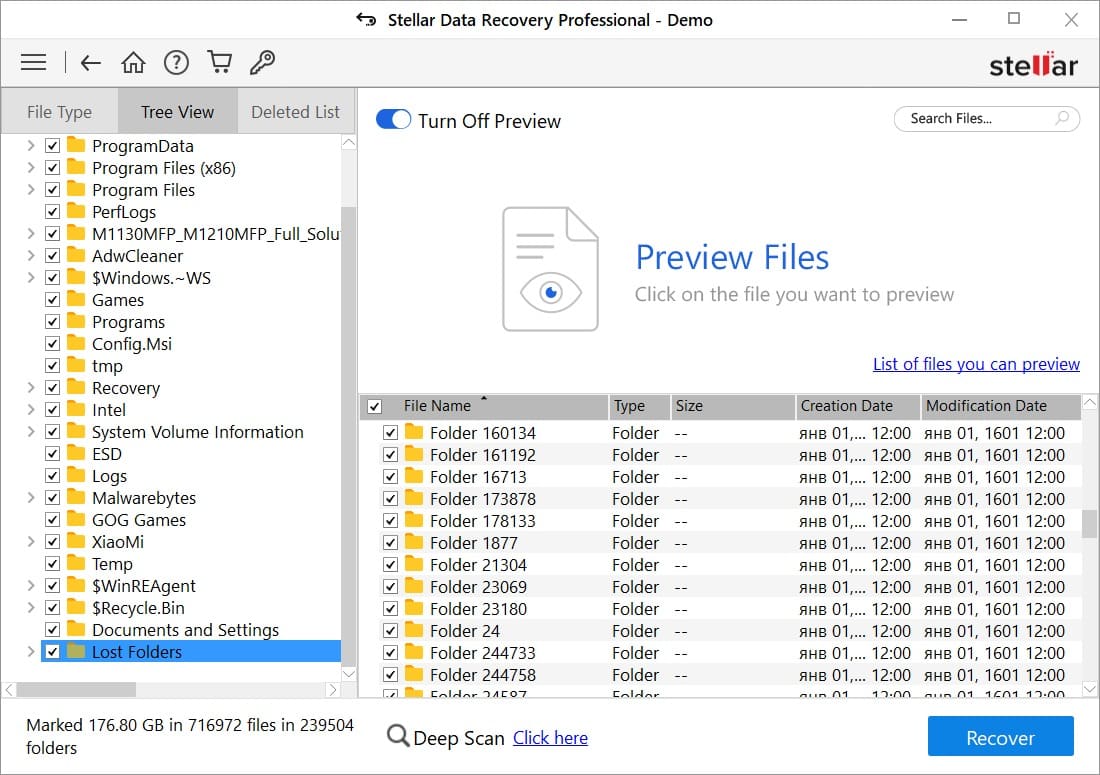
Stellar allows you to recover lost data from optical media, USBs, and hard drives. Its intuitive interface makes the recovery process very straightforward.
10. PhotoRec
importing photos

PhotoRec is an open-source, cross-platform file recovery software that handles over 480 file formats, ideal for advanced users needing flexibility and depth.
Final Thoughts on Free File Recovery Software
Accidentally deleted your data? Whether you’re facing a data loss scenario or trying to recover data from corrupted storage devices, these tools give you a fighting chance to recover lost data. From Glarysoft File Recovery Free to Disk Drill, there’s a solution for every need and skill level.
Need help from a pro? Call The Original PC Doctor at 1300 723 628 for a free data recovery assessment today.
























































































The Stellar data recovery tool is one of my favorite data recovery tools from your list. I like this software since it is easy to use and consists of advanced algorithms. It also recovered almost all of my data.
Hi there,
We’re glad to hear you had such a positive experience with Stellar Data Recovery! It sounds like it was a lifesaver in recovering almost all your data.
Here at [Your Company Name], we understand how important data recovery can be. Stellar is definitely a powerful tool, and its user-friendly interface makes it a great choice for many people.
Here are a few other things to consider about Stellar Data Recovery:
Free vs Paid Features: Stellar offers a free version with limited functionality. Upgrading to a paid version unlocks more advanced features and data recovery capabilities.
Compatibility: Make sure Stellar is compatible with your operating system and file types you need to recover.
Alternatives: There are other reputable data recovery software options available, each with its own strengths and weaknesses.
If you’re happy with Stellar and it meets your needs, that’s fantastic! However, if you’re interested in exploring other options, we have a blog post comparing various data recovery tools here https://thepcdoctor.hbglobal.dev/top-10-free-data-recovery-tools
No matter which tool you choose, our remote desktop team can assist you with the data recovery process. They have experience with various software programs and can offer guidance to maximize your chances of successful recovery. Feel free to call them on 1300 723 628 for a free phone consultation.
We’re happy you were able to recover your data!