



Routers Under Attack: Which Models Hackers Are Targeting and How to Protect Yours
Why Router Security Matters for Australian Homes and Small Businesses
With 25.21 million Australians aged 16–64 now online—about 95 percent of that age group—and home network devices facing an average of 10 cyberattacks per day, your router is a prime entry point for hackers (Red Search, NETGEAR). Likewise, 22 percent of Australian businesses reported experiencing cyber incidents in 2022—a 14 percent jump from 2020—highlighting how critical network security is for small enterprises and home offices alike (Red Search).
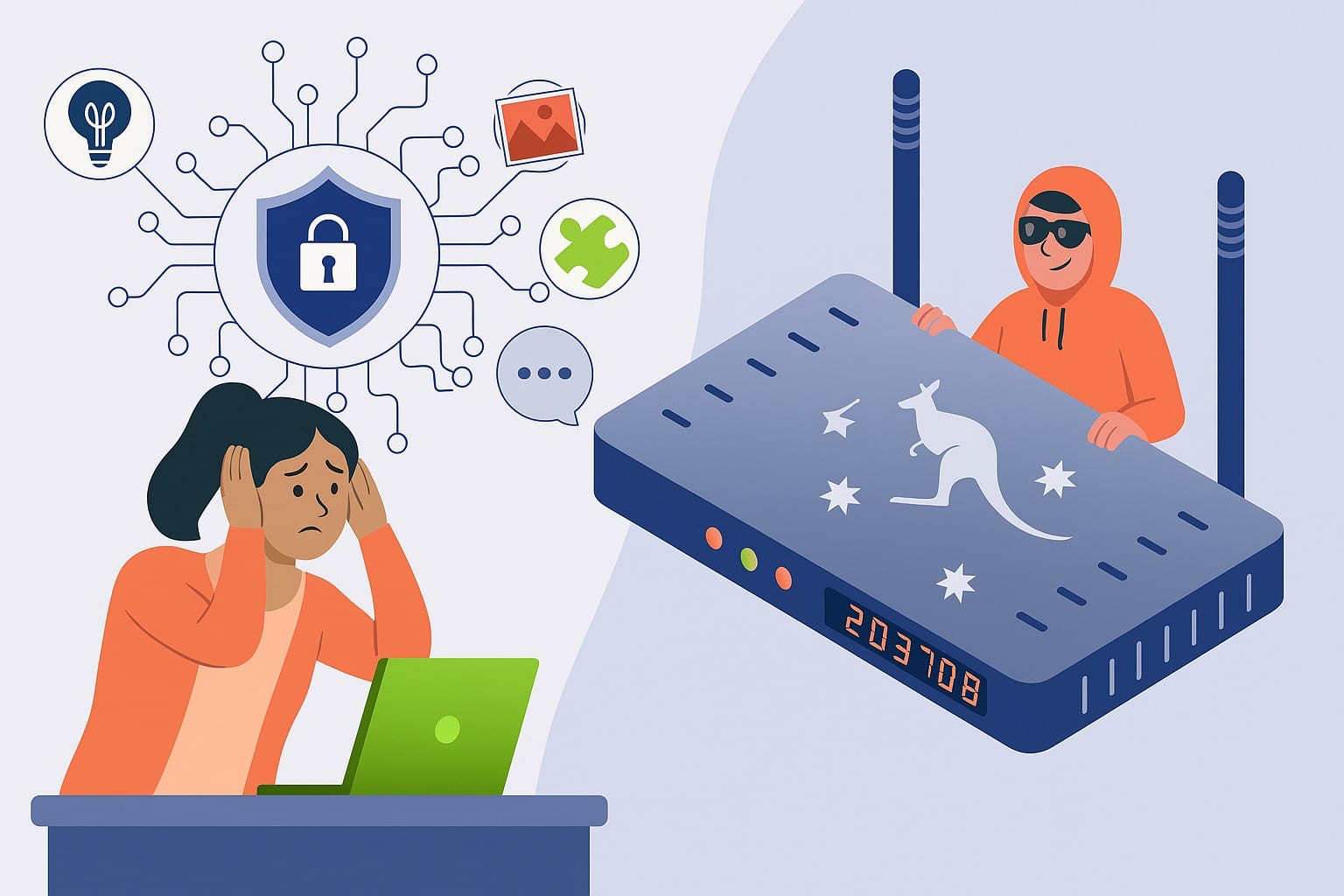
Routers Under Attack! Which Models Hackers Are Targeting and How to Protect Yours Today 1300723628
1. End‑of‑Life (EOL) Routers Identified by the FBI
The FBI warns that unsupported routers—those no longer receiving security updates—are being hijacked into residential proxy botnets powered by malware like “TheMoon.” If you own one of these older models, replace it immediately or at least reset to factory settings and set a strong new password:
- Cisco RV320 and RV325
- Netgear ProSAFE BR200
- Zyxel USG and ZyWALL series
- DrayTek Vigor 2960 and 3900
- D‑Link DIR‑655, DIR‑866L, DIR‑652, DSR‑250N, DSR‑500N
- TP‑Link WR740N (and similar low‑cost EOL models)
- Linksys E‑series (E1200, E1000, E1500, E2500)
- Linksys E300, E3200, E4200
- Linksys WRT310N, WRT320N, WRT610N
- Linksys E1550, E100
- Cisco M10
- Cradlepoint E100 (5Gstore.com)
2. Ongoing ASUS Router Backdoor Campaign
Security firm GreyNoise uncovered a stealth operation compromising over 9,000 internet‑exposed ASUS routers via a command‑injection vulnerability (CVE‑2023‑39780) and undocumented authentication bypasses. Attackers then:
- Enable SSH on a secret port (TCP/53282)
- Insert their own SSH key for persistent access
- Disable all logging so their presence stays hidden
Because the backdoor lives in non‑volatile memory, reboots and firmware updates won’t remove it. If you own any of the following ASUS models, update their firmware, then check and remove any unfamiliar SSH settings:
- RT‑AX55, RT‑AX59U, RT‑AX86
- RT‑AC3100, RT‑AC3200 (greynoise.io)
3. RondoDox: Four‑Faith Routers in a New Botnet
Fortinet’s FortiGuard Labs recently reported a botnet—RondoDox—built by exploiting DVRs and Four‑Faith routers. The two Four‑Faith models under active attack are:
- Four‑Faith F3x24
- Four‑Faith F3x36 (TechRadar)
These devices are common in small retail and business environments—and are often left unpatched with default credentials. Once compromised, they’re used as stealthy proxies for DDoS attacks, proxy services, and hidden command‑and‑control channels.
Why These Routers Are Easy Targets
- No More Updates: Manufacturers ceased security patches years ago.
- Default Passwords: Many still use “admin/admin” or similarly weak credentials.
- Exposed Management Interfaces: Remote‑admin ports (HTTP, SSH, Telnet) left open to the internet.
- Low Visibility: Routers rarely appear in routine device‑monitoring tools, so breaches go unnoticed.
Quick Steps to Secure Your Router
- Update Firmware
- Log into your router’s admin page (e.g., 192.168.1.1) and install the latest firmware from the manufacturer.
- If no update is available (end‑of‑life), replace the device.
- Change Default Credentials
- Set a unique admin password of at least 12 characters (mix letters, numbers, symbols).
- Avoid obvious phrases or dates.
- Disable Unused Services
- Turn off Remote Management, Telnet, and SSH on the WAN interface.
- If you need remote access, use a secure VPN instead.
- Reboot & Verify
- Restart your router after updates.
- Log back in and confirm no unfamiliar users, SSH keys, or open ports remain.
- Segment Your Network
- Use a Guest Wi‑Fi or VLAN for IoT devices and visitors.
- Keep critical devices (computers, NAS) on a separate LAN.
- Monitor for Anomalies
- Check your router’s traffic logs or use network‑monitoring tools to spot unusual spikes or unknown outbound connections.
When to Call in the Experts
If you’ve followed the steps above but still see unexplained slowdowns, unknown devices on your network, or persistent “offline” or connection‑reset errors, it’s time for professional help. The Original PC Doctor offers:
- On‑site router hardening and support across Australia
- Remote diagnostics & firmware audits
- Quarterly visits to keep your network secure
👉 Book a Router Security Audit or call 1300 723 628 today, and sleep easier knowing your network is locked down.
Conclusion
Routers are the frontline defenders of your home and small business network—and when they fall, attackers gain a stealthy gateway into everything you do online. From the FBI’s list of end‑of‑life routers to sophisticated backdoor campaigns on ASUS and Four‑Faith devices, the threat landscape is evolving daily. By updating firmware, changing passwords, disabling unnecessary services, and segmenting your network, you can dramatically reduce the risk. And if you ever need expert assistance, The Original PC Doctor is ready to help you stay one step ahead of the hackers.
Content Created By: John Pititto
Date Created: 16/07/2025






















































































