



📱 Google Docs Just Got Smarter on Samsung Galaxy – Powered by Gemini AI!
AI writing tools have landed right in your pocket—and Australia is leading the charge. With over 13 million Aussies using Android, and Samsung Galaxy devices making up more than 40% of that crowd, it’s no wonder Google chose Samsung as the launchpad for its latest AI-powered update. As of June 2025, Gemini AI is officially part of Google Docs for Android—helping everyone from students to business owners write, edit, and create like pros.
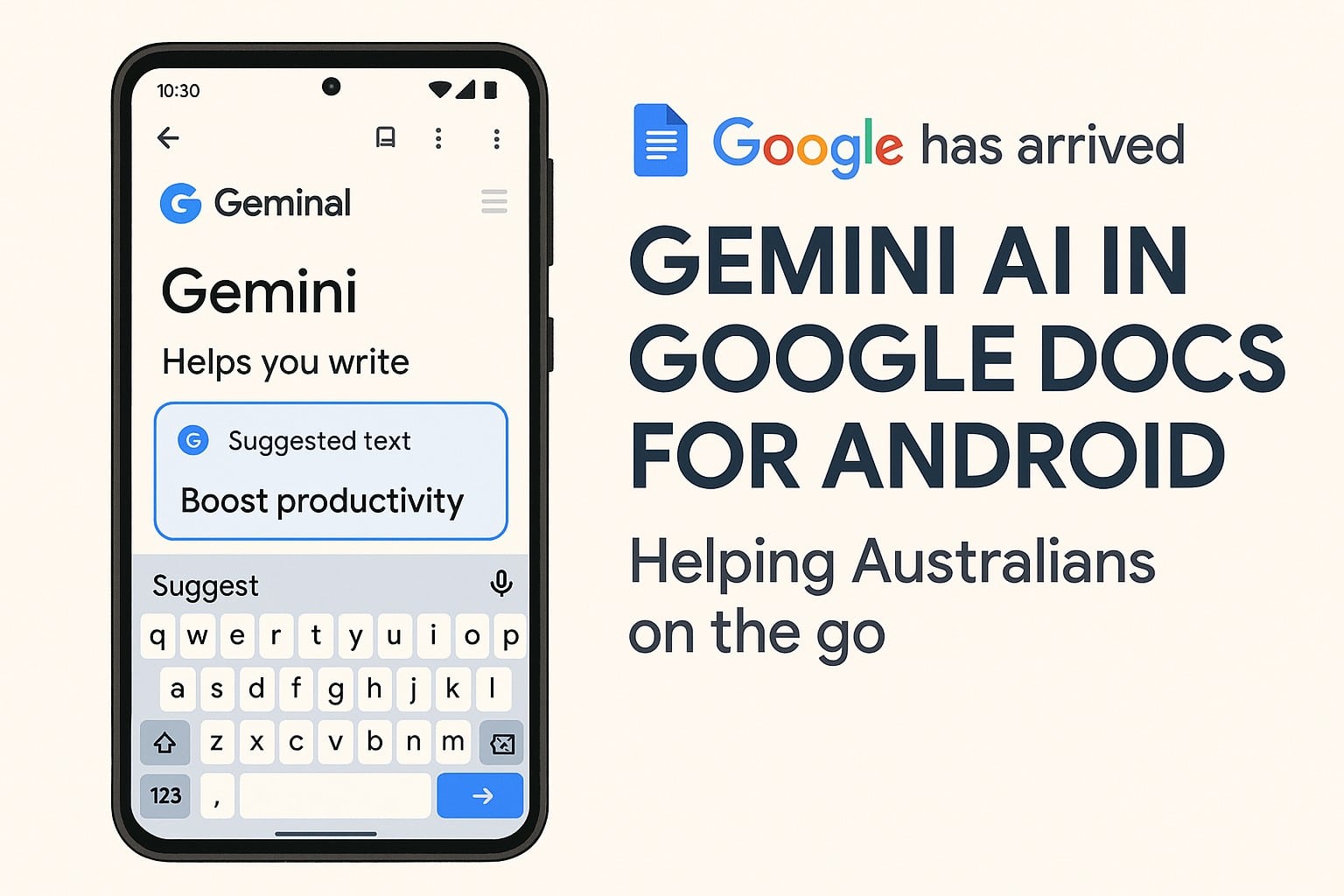
Google Docs Just Got Smarter on Samsung Galaxy
🧠 What’s New in Google Docs?
If you’ve noticed your Google Docs app feels like it just drank a triple espresso, you’re not imagining things! The Gemini AI update brings your Samsung Galaxy’s writing experience to a whole new level:
It’s like having a personal writing coach in your pocket—whether you’re at a café in Bondi or on a tram in Melbourne.
📊 Why Does It Matter for Aussies?
- 📱 Samsung Galaxy = Australia’s most popular Android device (over 40% market share)
- 🧾 Google Docs is now the #1 online writing tool in Aussie schools and offices
- ⏳ AI assistants like Gemini can help cut your document writing time by up to 40%
- 👩💻 1 in 3 Australian professionals now work on the go with mobile productivity apps
Did you know? Aussies collectively spend over 155 million hours per year writing, editing, and collaborating on digital documents!
✨ Gemini AI Features: A Quick Glance
- Rephrase clunky sentences for clarity or flair
- Instant spelling and grammar fixes—no more red underlines!
- Summarise pages of notes in seconds
- Kickstart your creativity with content prompts
- Rewrite for the perfect tone: formal, casual, or creative
Just tap the Gemini icon in Google Docs and let the AI magic do the heavy lifting.
🔧 How to Use Gemini in Google Docs (Samsung Only… For Now!)
- Open Google Docs on your Samsung Galaxy device
- Look for the Gemini star icon or tap “Help me write”
- Type your prompt—or just ask Gemini using your voice!
- Review and accept AI suggestions—one tap, done
🏄♂️ Real Aussie Use Cases
Who benefits the most? Pretty much everyone:
- Students cramming for assignments (no more writer’s block)
- Professionals on the run (reports, quotes, emails—faster than ever)
- Jobseekers polishing resumes on their commute
- Tradies and small business owners whipping up quick invoices
- Remote workers creating docs from anywhere—beach, bush, or boardroom
📈 Quick Stats: Gemini’s Real-World Impact
- ✍️ Average Aussie spends 3+ hours a week on document writing/editing
- 🧠 60% of users say AI tools boost their writing confidence
- 📉 Editing time can drop by up to 50% using Gemini AI
🚀 Final Thoughts: Is Gemini AI Worth Using?
With Gemini AI now in Google Docs on Samsung Galaxy, your phone or tablet just became your new secret weapon for writing, editing, and getting things done. Whether you’re working from a coffee shop, classroom, or the back of a cab, you’ve got pro-level tools at your fingertips—no extra apps or subscriptions needed.
Ready to supercharge your work? Try Gemini in Google Docs, and let us know what you think! For more tech news and Android tips, see our latest blog posts!
John Pititto
Managing Director
The Original PC Doctor






















































































